
How It Works
Here’s a simple overview of how Roccai works — from data upload to personalized recommendations and activation.
 Book a demo
In short
Roccai works in four steps: upload your product feed (JSON, XML, or CSV), let the AI suggest and style guide questions from your data, then share the guide via URL, QR code, or embed. Guides use swipe, select, multiple, quiz, info, and input cards, and connect to tools like Mailchimp, Zapier, and Google Analytics.
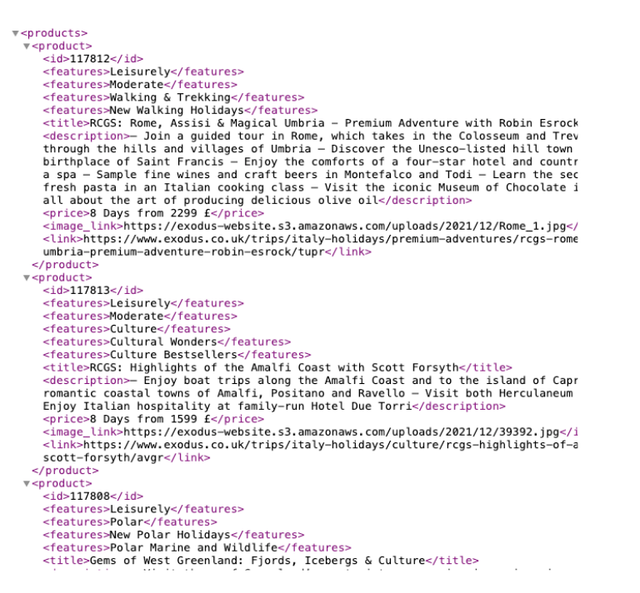
Start with your data
To deliver accurate product recommendations, we recommend starting with your product feed.
Our algorithms use your data to power smarter questions and better matches.
Key points:
- Supports JSON (URL), XML (URL), and CSV (file)
- Product attributes like ID, title, description, image URL, product URL, and price
- Update anytime — Roccai stays in sync automatically

Roccai builds the experience
Roccai analyzes your product data and suggests relevant questions in the Guide Assistant.
You stay in control — select, adjust, and shape the experience to match your brand.
Key points:
- AI suggests questions based on your data — you choose what to include
- Prompt the AI to match your tone of voice and angle
- Style the guide to fit your brand and visual identity
- Real-time, personalized recommendations powered by your data
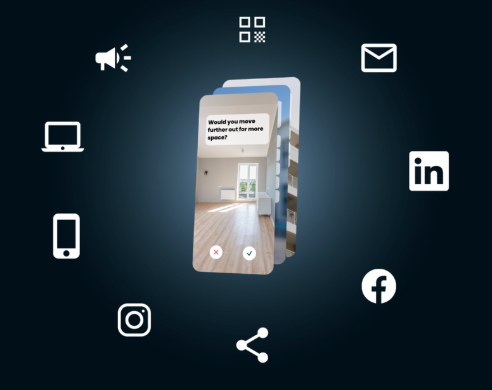
Share it anywhere
To deliver accurate product recommendations, we recommend starting with your product feed.
Our algorithms use your data to power smarter questions and better matches.
Key points:
- Share via URL in newsletters, ads, or social
- Use QR codes for offline campaigns
- Embed via script:Landing pagesPopupsBanners

We help you succeed
You’re never on your own. We help you launch fast and get results.
Key points:
- Guided onboarding
- Best-practice setup
- Ongoing support and optimization help
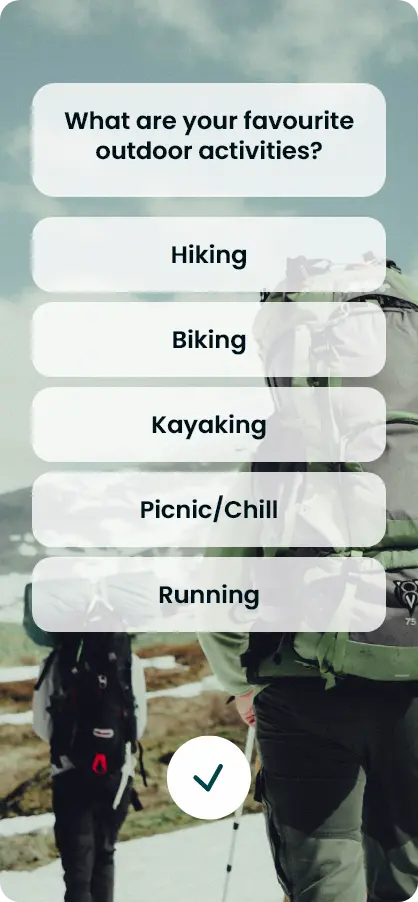
Card Types Available in Our Guides






Integrate With Your Favorite System






Frequently asked questions
How does Roccai work?
In three steps: (1) connect your product feed, (2) Roccai's AI suggests questions that you curate in the Guide Assistant, and (3) share the finished guide anywhere — by URL, QR code, or embed.
What data do I need to start?
A product feed. Roccai supports JSON or XML feed URLs and CSV uploads, using attributes like product ID, title, description, image URL, and product URL.
How do I share a guide?
Share it by URL in newsletters, ads, and social; use QR codes for offline campaigns; or embed it on your site as a landing page or popup via a script.
Do I need technical skills or support to launch?
No — Roccai provides guided onboarding, best-practice setup, and ongoing support and optimization help, so you can launch quickly.